CastQueue: How I built a Chromecast playlist app
And how everything turned out differently. A story about Next.js, Chromecast and the road to a native iOS app.
You know the feeling? You're lying on the couch in the evening, wanting to watch a few episodes of a show on the Chromecast and thinking: Why isn't there an app where I can just paste a few video links and have them play one after another? I had exactly that thought recently and instead of just starting each episode manually, I of course did what any reasonable developer does. I started building my own app.
The idea was simple. A web app that I open on my iPhone in the browser, paste in a few direct links to videos and press a button. The app should then find my Chromecast on the network and play all videos sequentially. Like a playlist, just for direct links. Sounds doable, right?
For the tech stack I went with Next.js using the new App Router, TypeScript, Tailwind CSS and shadcn/ui for components. Plus Framer Motion for nice animations and dnd kit for drag and drop in the playlist. The whole thing should look modern, use lots of popups and modals and of course work well on the iPhone.
Now comes the interesting part: How do you control a Chromecast from a web app? The official Google Cast SDK only works in Chrome. Not in Safari, not in Brave. And I wanted to use the app specifically on my iPhone. The solution: You build the Chromecast control into the backend. The Node.js server talks directly to the Chromecast via the CASTV2 protocol, and the browser only talks to the server. This way the browser doesn't care whether it's Chrome, Safari or Brave.
I used two libraries for this. First castv2-client, a Node.js library that implements the Chromecast protocol. It's a few years old but works perfectly because the protocol hasn't changed. And second bonjour-service for mDNS discovery, meaning the automatic detection of Chromecasts on the network.
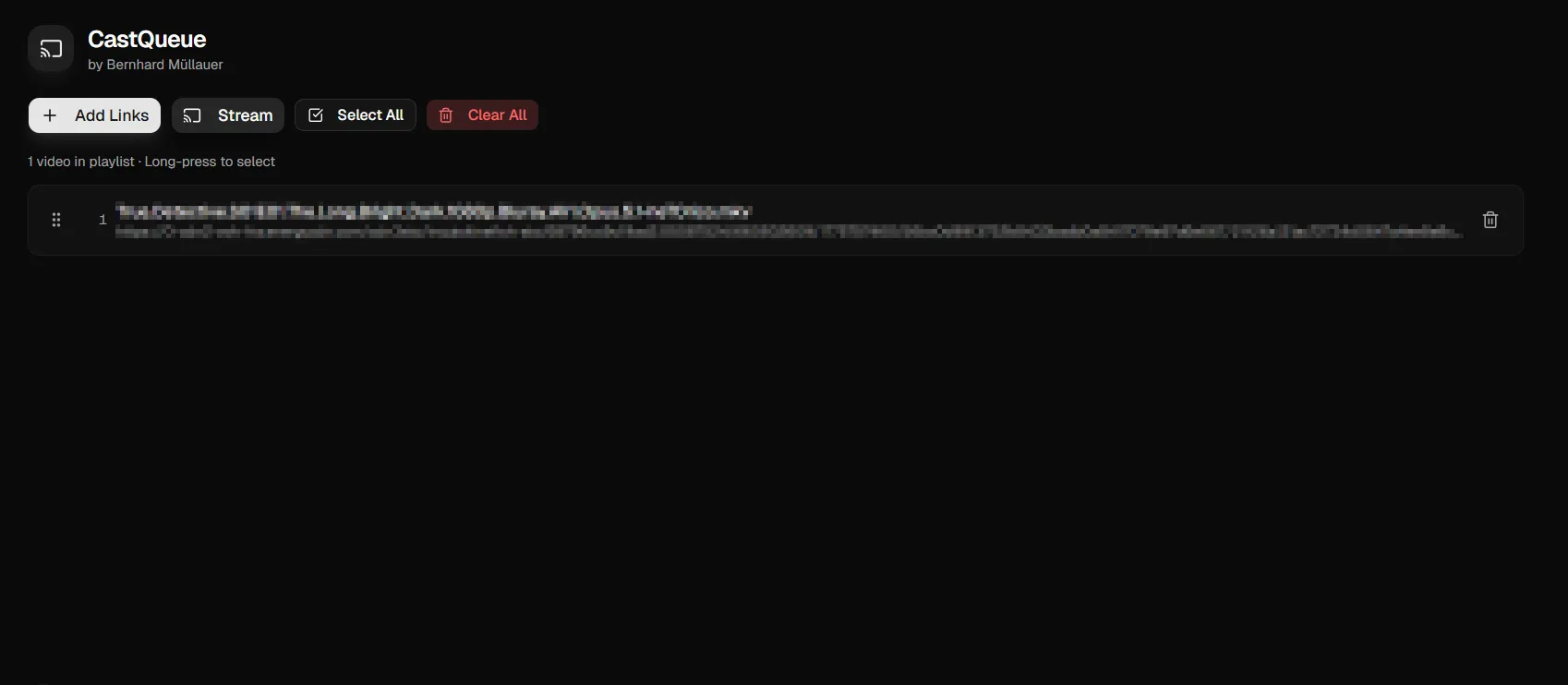
The app turned out pretty cool in the end. You can add links individually or paste them all at once. The app automatically detects where a new link starts by splitting at every http:// boundary. The playlist can be sorted via drag and drop, which also works with touch on the iPhone. You can set a skip intro time, for example 1 minute 40 seconds, and every episode then automatically skips the intro. There's also multiselect to set the skip intro time for all episodes at once. And of course play, pause, a clickable seek bar and a skip 30 seconds button.
I also built in password protection. The app is fully secured behind a login with HMAC signed cookies, rate limiting against brute force and proper security headers. Not everyone on the internet should be able to control my shows.
Then came the moment I wanted to deploy the app to my server. I use Coolify as a self hosting platform, so I built the Docker image, wrote the Dockerfile, everything with a nice multi stage build. Then deployed. Login page appeared, looked great, entered the password, created a playlist, pressed stream and then... Connection Timeout.
Hm. Again. Connection Timeout.
After some debugging I figured it out: My Coolify server isn't at my home. It's somewhere in a data centre. And my Chromecast is in the living room. The server obviously has no idea what 192.168.0.25 is because that's a local IP in my home network that the server can never reach. The Chromecast isn't on the internet, it's in my home Wi Fi.
I tried using Docker network_mode host to somehow fix it, but that doesn't change the fact that the server is physically in a different location than the Chromecast.
And then I had that moment. That wonderful moment where you lean back and think: Damn. I need to build this as a native iPhone app after all. If the iPhone talks directly to the Chromecast, they're both on the same Wi Fi and the problem simply doesn't exist.
So here I am, planning a native iOS app in SwiftUI with the Google Cast SDK. The entire architecture flips. No more server, no Docker, no Coolify. Just the iPhone and the Chromecast talking directly to each other. I probably could have figured this out right away, but well, sometimes you have to take the long road to find the short one.
The web app wasn't for nothing though. All the logic, the URL parsing, the skip intro feature, the sequential playback, I need to rebuild all of that in Swift. And now it's time to learn Swift. I mean, how hard can it be. Famous last words.
With that, have a good evening and see you next time when I can hopefully report that the app is in the App Store.